Three Different Ways to Search Documents Over ChatGPT Enterprise
Is a Custom GPT Different From ChatGPT Enterprise?
A client asked us almost exactly this: why build something custom when you could just upload everything into ChatGPT Enterprise? It's a fair question, and it's the right first question to ask before anyone spends real engineering time on document infrastructure.
Here’s the direct answer. For a lot of organizations, you shouldn't build custom at all. ChatGPT Enterprise now ships with a built-in retrieval option that will do the job without any engineering investment on your end. The interesting question isn't "custom versus built-in." It's understanding what each option does, where each one breaks down, and how to know which category your situation falls into.
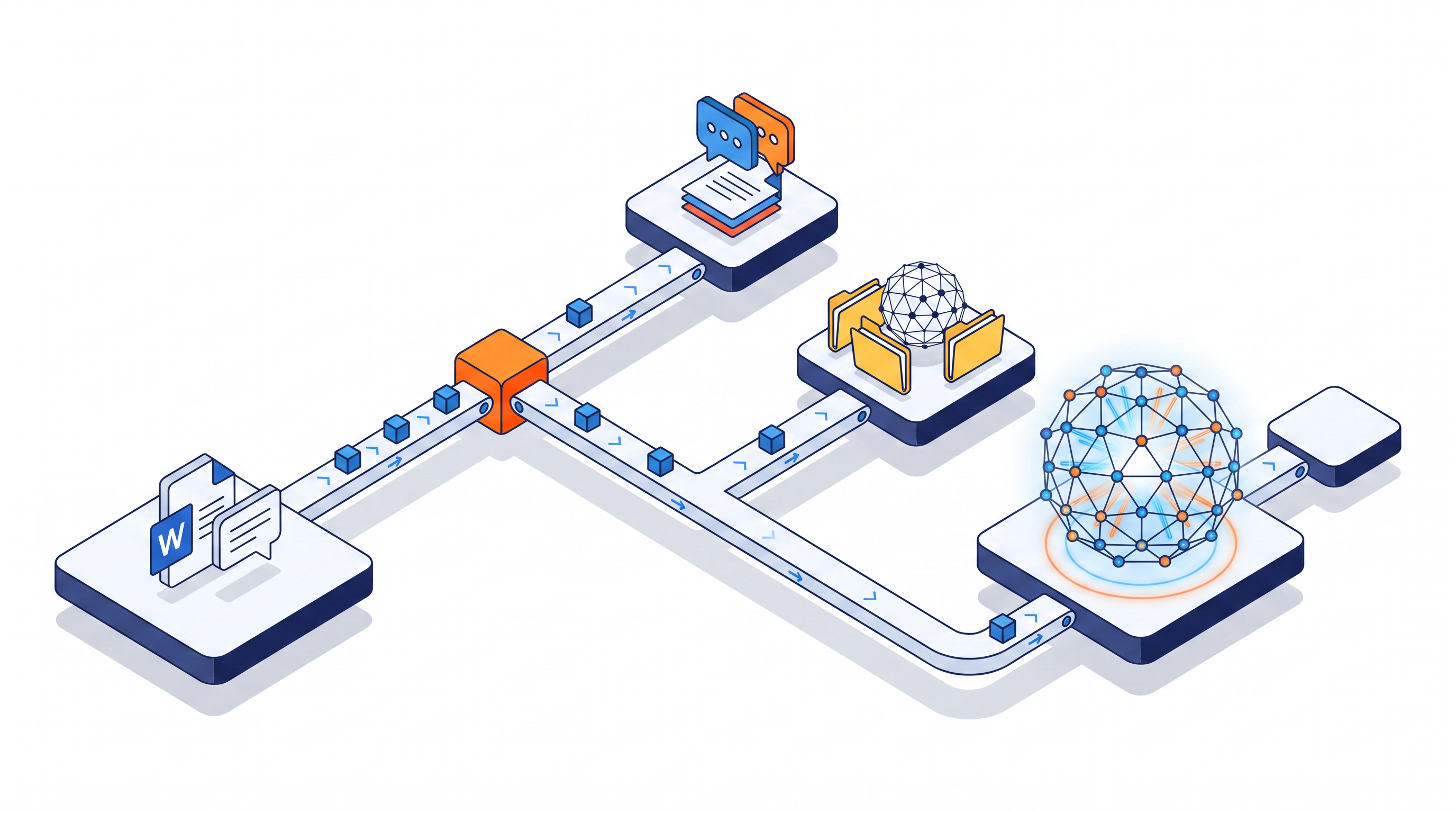
There are three meaningfully different ways to search over documents using ChatGPT Enterprise. Understanding what separates them is the decision.
The first option: upload and chat.
This is the simplest path. Attach documents to a conversation or load them into a custom GPT's knowledge base, then ask questions. For a short project or a small, static document set, it works reasonably well. OpenAI currently lets you attach up to 20 files to a custom GPT's knowledge configuration, up to 512MB and two million tokens per file. Those limits are generous enough for plenty of use cases.
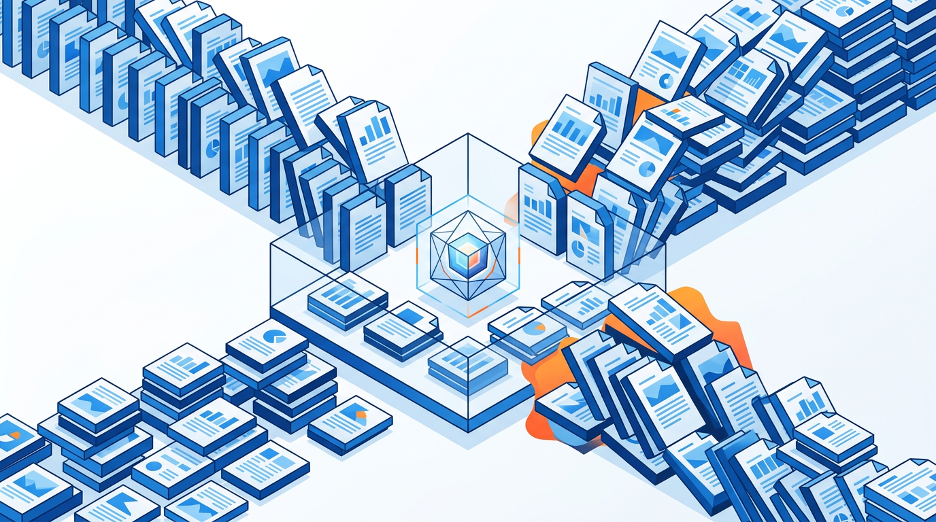
Where it falls apart is at scale and the failure is quiet, which is the dangerous kind. The model isn't searching your documents; it's holding them in its context window, a fixed working memory that your documents, your question, and the model's response are all sharing at once. Once you're past a few dozen documents, or into large, dense files like scanned lab reports and multi-year regulatory submissions, that memory fills up fast. The model must spread attention across everything in context to answer any one question, and retrieval quality degrades before anyone realizes it's happening. The failure mode isn't an error message. The failure is a confident-sounding answer that missed the sentence on page forty of document seventeen. In a regulated environment, that's a harder problem to catch than a system that simply refused the request.
Custom GPTs have also been signaled for replacement by workspace agents, OpenAI's newer paradigm for enterprise automation. The limits and interface will keep evolving; the underlying context-window constraint won't.
The second option: Company Knowledge.
OpenAI launched what it now calls Company Knowledge in late 2025. It's their own retrieval-augmented layer built into ChatGPT Enterprise, and it represents a genuine architectural step forward from file uploads. Rather than putting your documents in context, it pre-indexes content from your connected enterprise apps such as SharePoint, Google Drive, Slack, GitHub, Notion, and a growing list of others. It retrieves only the relevant pieces at query time, with citations back to the source. Permissions are inherited from the underlying system: if a user can't see a SharePoint folder in SharePoint, they can't see it through Company Knowledge either. OpenAI manages the indexing, the sync, and the retrieval. You configure the connectors and they handle the plumbing.
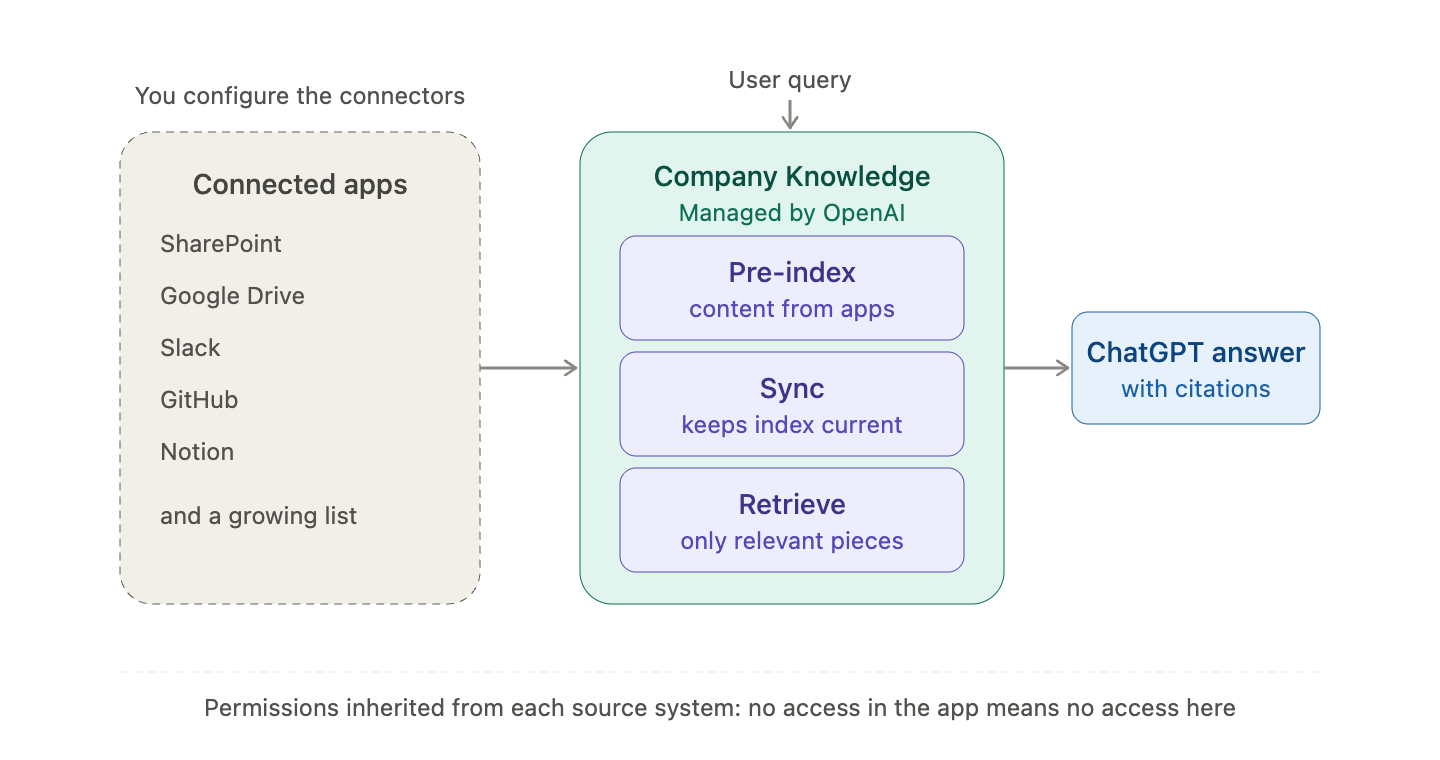
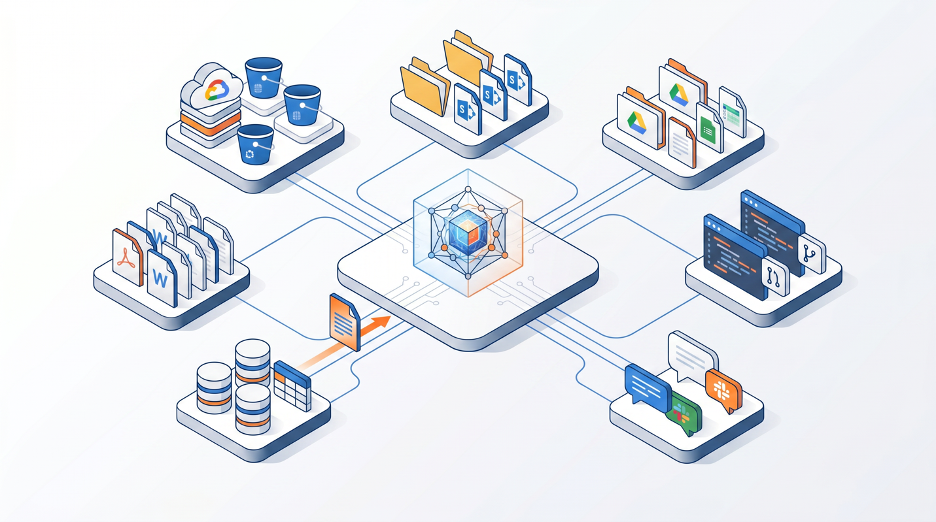
For a significant share of organizations, this is the right answer. If your documents already live in SharePoint, Drive, or another supported app, Company Knowledge removes most of the engineering cost of custom retrieval and hands you a reasonably capable search layer that stays in sync automatically. It's a real, production-grade retrieval system that didn't exist before.
Its limits are specific, not fundamental. It only works for sources OpenAI supports. If your documents live in a proprietary document management system, a regulated vault like Veeva, a legacy archive, or any repository that doesn't appear on OpenAI's connector list, Company Knowledge can't reach them. It's also less suited to cases where you need to own the retrieval logic end-to-end such as specific chunking strategies, custom permission enforcement, versioning rules that supersede older documents in retrieval, or audit requirements that need full visibility into what the model did and didn't see. Those needs push you to the third option.
The third option: build it yourself.
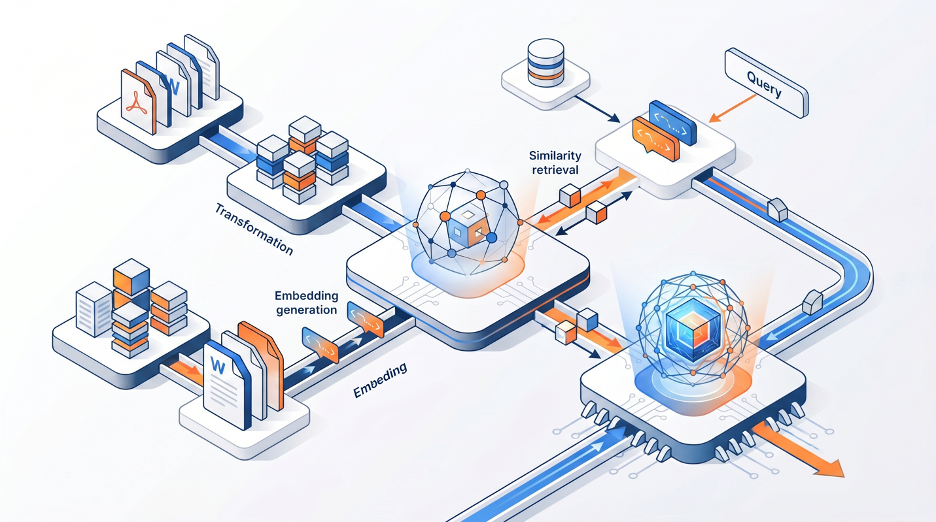
Custom retrieval-augmented generation (RAG) is the highest-cost and highest-control option. Rather than letting the model hold your documents in context, you break every document into smaller pieces, convert those pieces into embeddings (numerical representations of what each chunk is about), and store them in a vector database built for fast similarity search. When someone asks a question, the system finds the relevant chunks and hands only those and not the full library to the model. The model's effective working set stays small regardless of how large the corpus grows.
This is why a RAG-based system can sit across fifty thousand documents and still respond in seconds, when a chat window loaded with thirty documents is already straining. The retrieval scales; the context window doesn't have to.
None of that is free. Building custom retrieval means owning an indexing pipeline that watches your source systems and stays current as documents change. It means making real decisions about chunking strategy. If it’s too small you lose context, too large and you dilute relevance. It means designing how permissions are enforced at retrieval time, not just at the source, because surfacing a chunk from a document a user shouldn't see is a worse outcome than the original access control ever was. And it means your team carries the maintenance burden when something changes.
When is that cost worth paying? A few concrete signals:
- Your source isn't a supported connector. If your documents are in Veeva Vault, a proprietary lab system, a custom archive, or anything Company Knowledge can't reach, custom RAG is the only retrieval option that works.
- You need to own the logic. GxP-adjacent environments, regulatory submissions, legal contracts — cases where you need a defensible record of exactly what the model saw and didn't see, with permission enforcement you designed rather than inherited.
- Chunking and versioning matter for correctness. If your corpus includes document versions where an outdated SOP should never surface in results, or if answer quality depends on specific chunk structure, that's retrieval logic you need to control.
- You're building for scale Company Knowledge doesn't reach. Company Knowledge inherits the scale of whatever your connected app can hold; custom RAG scales with your infrastructure and has no practical ceiling.
The right answer has never been "always build custom." The honest choice was between living with file-upload limitations or building a retrieval pipeline. That choice has a third path now, and for many organizations it's the correct one. The question worth asking before any engineering spend is whether your documents already live somewhere OpenAI supports, and whether the control you'd gain from building your own retrieval is actually worth what it costs to maintain.
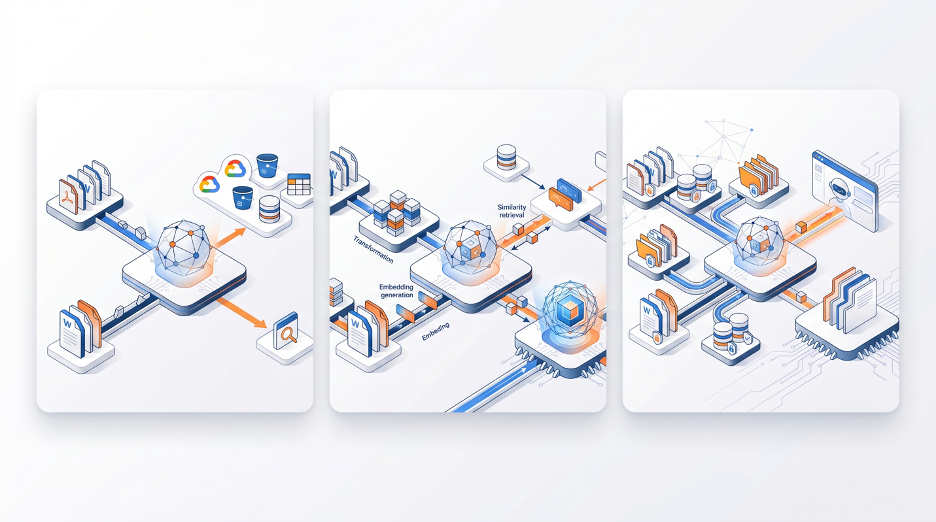
For anyone still working through which option fits, the table below summarizes where each approach starts to break down.